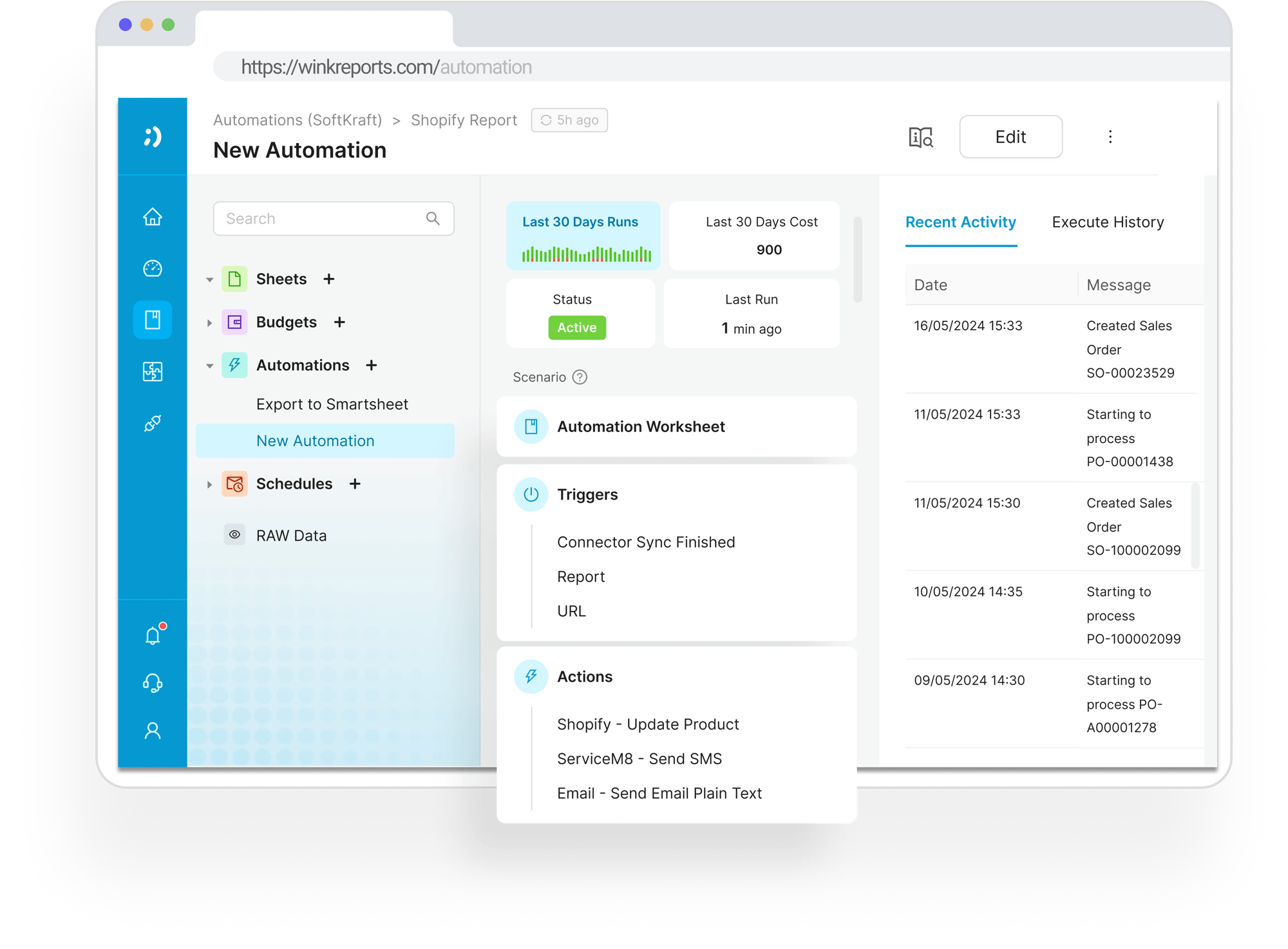
AI Document Optical Character Recognition (OCR)
Drowning in Paperwork? Here’s How Trades Businesses Can Automate Document Processing (and Get Their Time Back)

If you're in the trades game, inventory, field service, manufacturing, you know admin is a time-sink. Invoices, purchase orders, quotes, delivery dockets...they pile up fast. Before you know it, your afternoon’s gone, and you're still knee-deep in spreadsheets trying to make numbers line up.
Here’s the good news: You don’t have to do it manually anymore. Wink Toolbox has a better way.
.png?width=800&height=475&name=Dashboard%20(1).png)
Manual Document Processing is a Total Time Waster
Picture this:
You receive dozens of invoices by email every week, copying figures from PDFs into your accounting system. Reconciling purchase orders means cross-checking line items with delivery notes and your database, leaving you with little visibility over which suppliers have been paid and which are still pending.
Sound familiar? You’re not alone.
Manual data entry isn’t just slow, it’s expensive, error-prone, and drains valuable hours that could be spent growing your business. Then comes reconciliation: matching invoices, POs, and delivery notes, hunting for inconsistencies that turn simple admin work into a productivity sinkhole.
The Solution
Wink Reports' Document OCR AI
This is where Wink’s Document OCR AI steps in like a superhero. We know it’s a lot of acronyms, so here’s what it actually means and how it helps:
Reads your documents
Invoices, purchase orders, quotes–with AI-powered Optical Character Recognition (OCR).
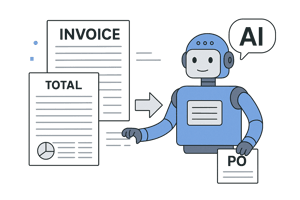
Invoice
Parser AI
Pulls line items, totals, dates, and supplier info straight from your docs, and matches them to Cin7 POs automatically.
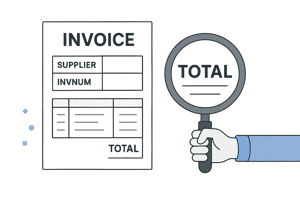
Extracts the structured data
You need, like supplier names, invoice numbers, line items, totals, and more.
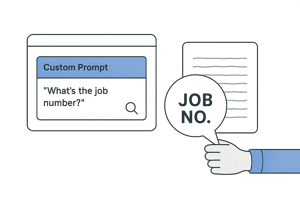
Custom AI Prompts
Let you ask “What’s the job number?” or anything else, and get structured answers from unstructured docs.

Built-in Human Review
Gives you 96%+ accuracy with optional validation, so errors never slip through.
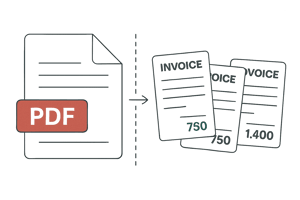
Auto-Split
PDFs
Instantly separate multi-invoice files without any manual sorting.
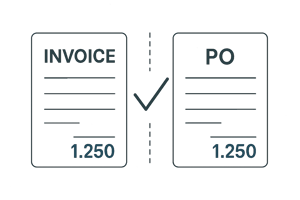
Reconciliation Reports
Line up invoices and POs side-by-side, making approvals fast and frictionless.
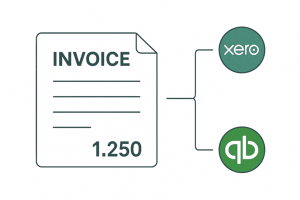
Seamless
Sync
With Cin7, Xero, QuickBooks, and more means data flows exactly where you need it.
And the ROI?
Save 15–30 hours/month on manual processing

Reduce overpayments and inventory errors by 90%.

Scale AP workflows—no extra hires needed.
Automation
Built for Trades, Backed by Humans
We built Wink Toolbox with real businesses in mind: tradesmen, wholesalers, and manufacturers. Our tools are made to fit right into the flow of your day, not interrupt it.
Why Trades Businesses Love This:
- Faster Reconciliations: No more chasing paperwork or waiting on admin to finish manual entry.
- Fewer Errors: AI reads the fine print and never mixes up supplier codes or invoice totals.
- Integrated and Organised: Everything syncs with your existing systems, so inventory, billing, and customer updates stay tight.
- Scalable Efficiency: Whether you're handling 10 documents a week or 1,000, the system scales with you—no extra hands required.
.png?width=800&height=475&name=Dashboard%20(1).png)
Frequently asked questions
How long does the setup take?
It typically takes 1–2 weeks to be completely set up, including vendor mappings, approval rules, and testing.
Can Wink handle multiple vendors/locations?
Yes. Your dashboard can manage 50+ vendors and 10+ locations in one place!
What if I want full control?
All changes go through an approval report–nothing updates without your review.
Say Goodbye to Admin Overload
Automating document processing isn’t just a perk to hope for but the future of efficient business operations in the trades. If you’re ready to stop wasting hours and start focusing on what grows your business, Wink Toolbox is here to help.
Start your free trial.png?width=150&height=77&name=Wink%20Toolbox%20Logo_Colour%20(1).png)